
mia
Machine Learning App Builder
As modern technology quickly evolves, machine learning has come to the forefront of the growing field of data science. These models are trained through large data sets to imitate the way that humans learn and improve accuracy. With these models, businesses and consumers can better solve problems, make decisions, and format predictions.
While most of these model are stuck in complex code, mia encourages data scientists take it one step further by helping them deploy their machine learning models into a visual app that ordinary people can utilize.
COMPANY
MY ROLE
TIMELINE
mia
UX Researcher and Designer
March 2020 - April 2020
What’s the problem?
mia’s user retention and conversion rates have been low since launching their platform. Why?
Family members are in need of the funds and the organization wants to get them out as soon as a payment is decided and approved.
mia helps us show the output of our models straight away without showing code
Models are useless if you don’t deploy them
ML models do not make sense to anyone who doesn’t know how to code
Deploying models are time consuming and difficult - it’s learning a whole new language
If there is no front end to the models, it is hard to understand what the model means
mia is a good tool for development demos to show investors
Discovery
Is mia even filling a real gap in the ML industry?
We wanted to get to the root cause and that starts from finding out if this tool is even a real need in the industry. We interviewed data scientists to gather insights into the difficulties they face when it comes to deploying their machine learning models.
Key Takeaways
7 out of 8 users talked about their use cases with machine learning deployment
4 out of 8 users see mia as a way to test their models quickly
4 out of 8 agree that deploying models require a new skill set which poses a learning curve to data scientists
So there is a need for mia’s ML model app creation tool.
But why has it not been a hit with it’s users?
Testing the current application
We discovered that users were confused by the process, they hit many error messages, the process took too long, leaving users uncertain about the end result .
To find out, we tested the existing application, observing users as they completed the full app creation process. We wanted to understand their workflow, impressions as they move through the process, and any roadblocks that they might encounter.
Four patterns emgerged:
Insight #1
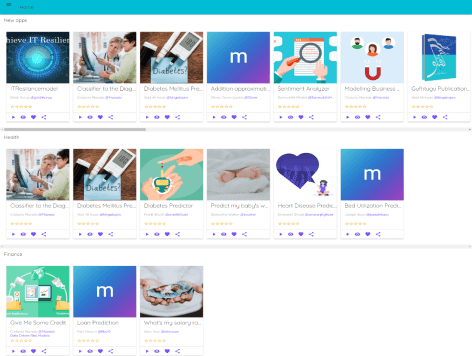
The process takes too long
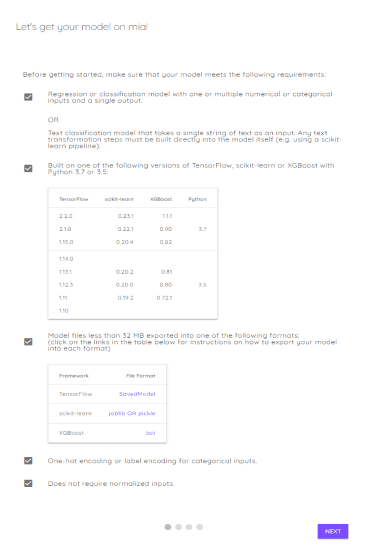
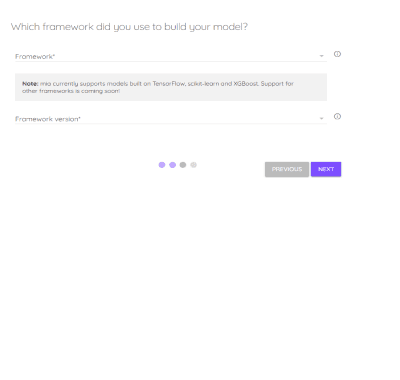
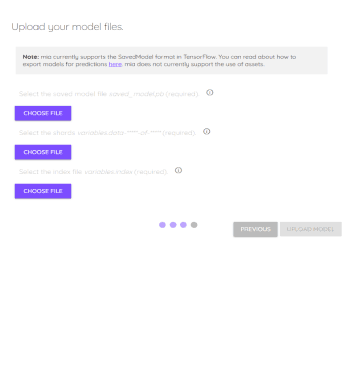
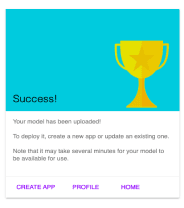
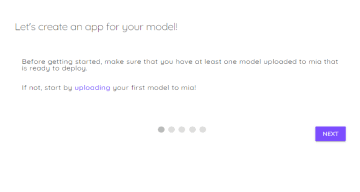
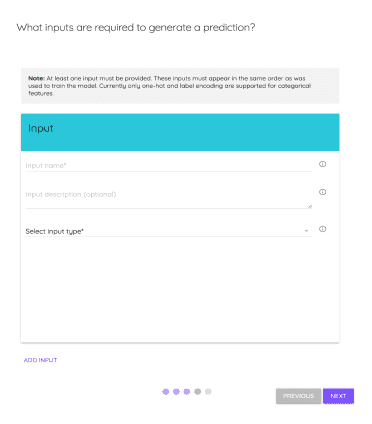
It takes at least 12 steps to get from uploading the model to a final visual app to test the model.
Upload a Model
Create an App


1
2
3
4
5
6



7
8
9
10
11
12
Insight #2
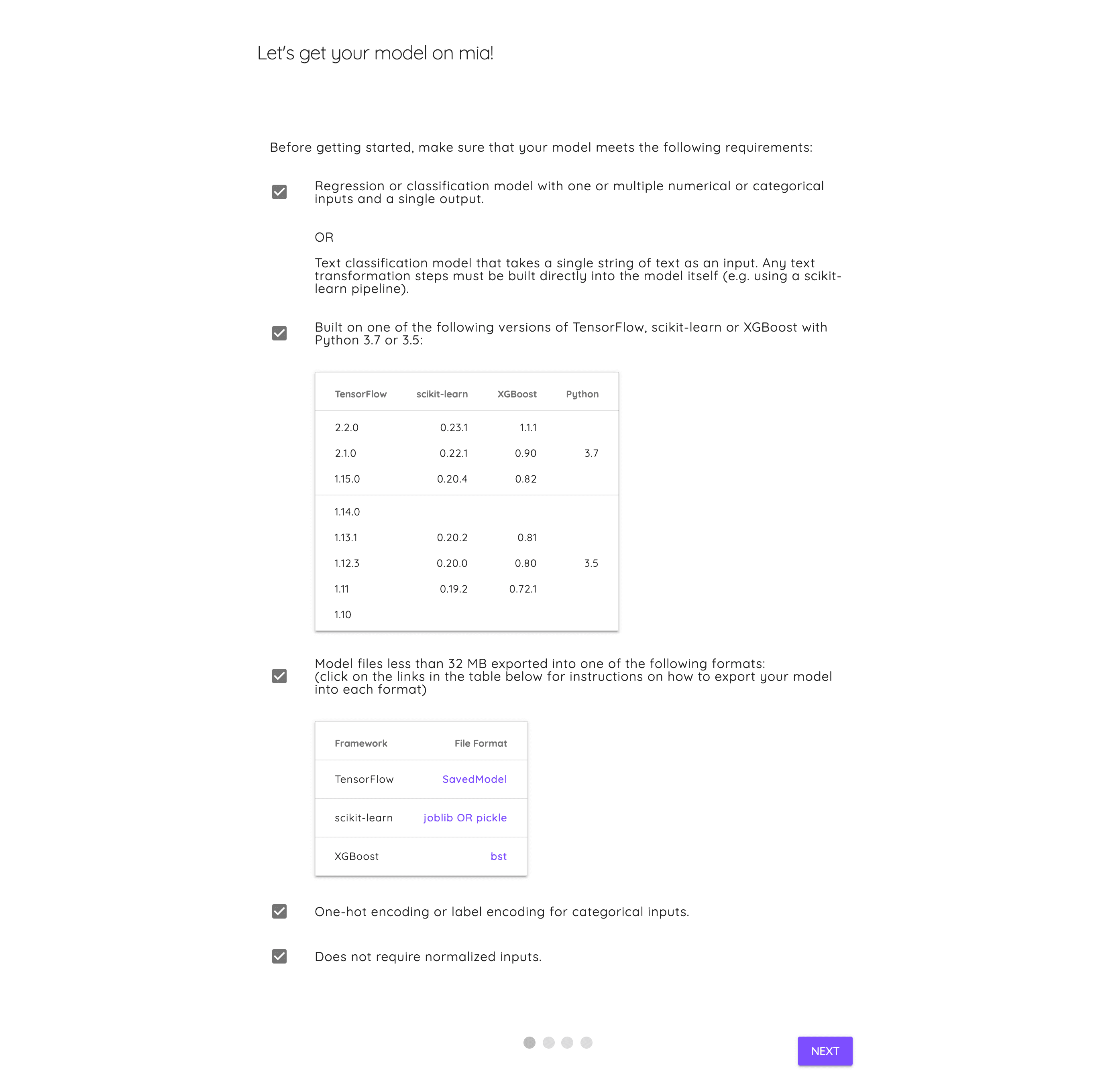
Instructions are confusing
(too much information)
Upon uploading a model, users are met with long instructions that may not apply to their scenario. They have to search through walls of text and tables to find information that is applicable to them.
Insight #3
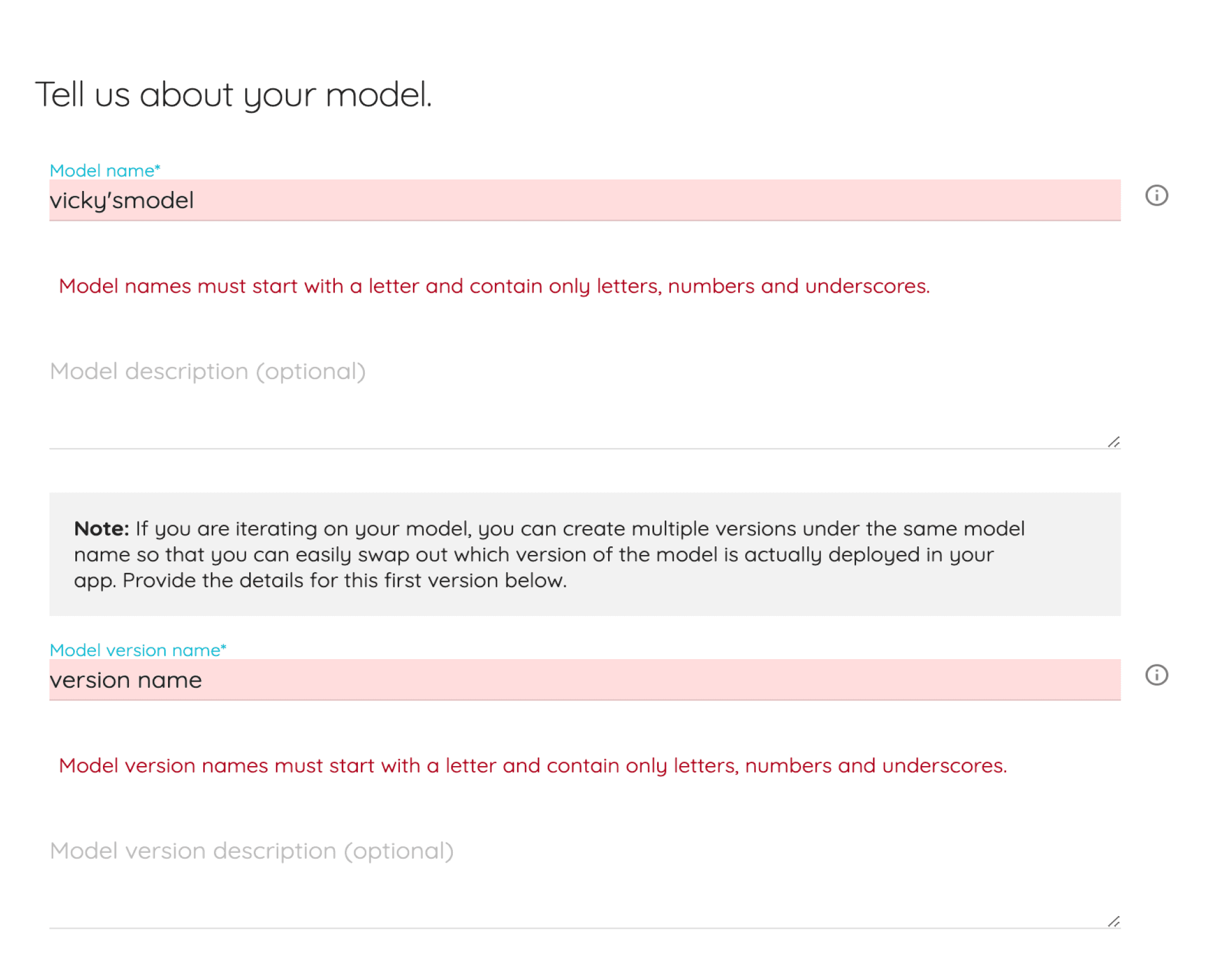
Soooo many error messages (not enough information)
During the interviews, I was shocked as to how many times each participant hit the same error messages. Participants were visibly frustrated with this.
Insight #4
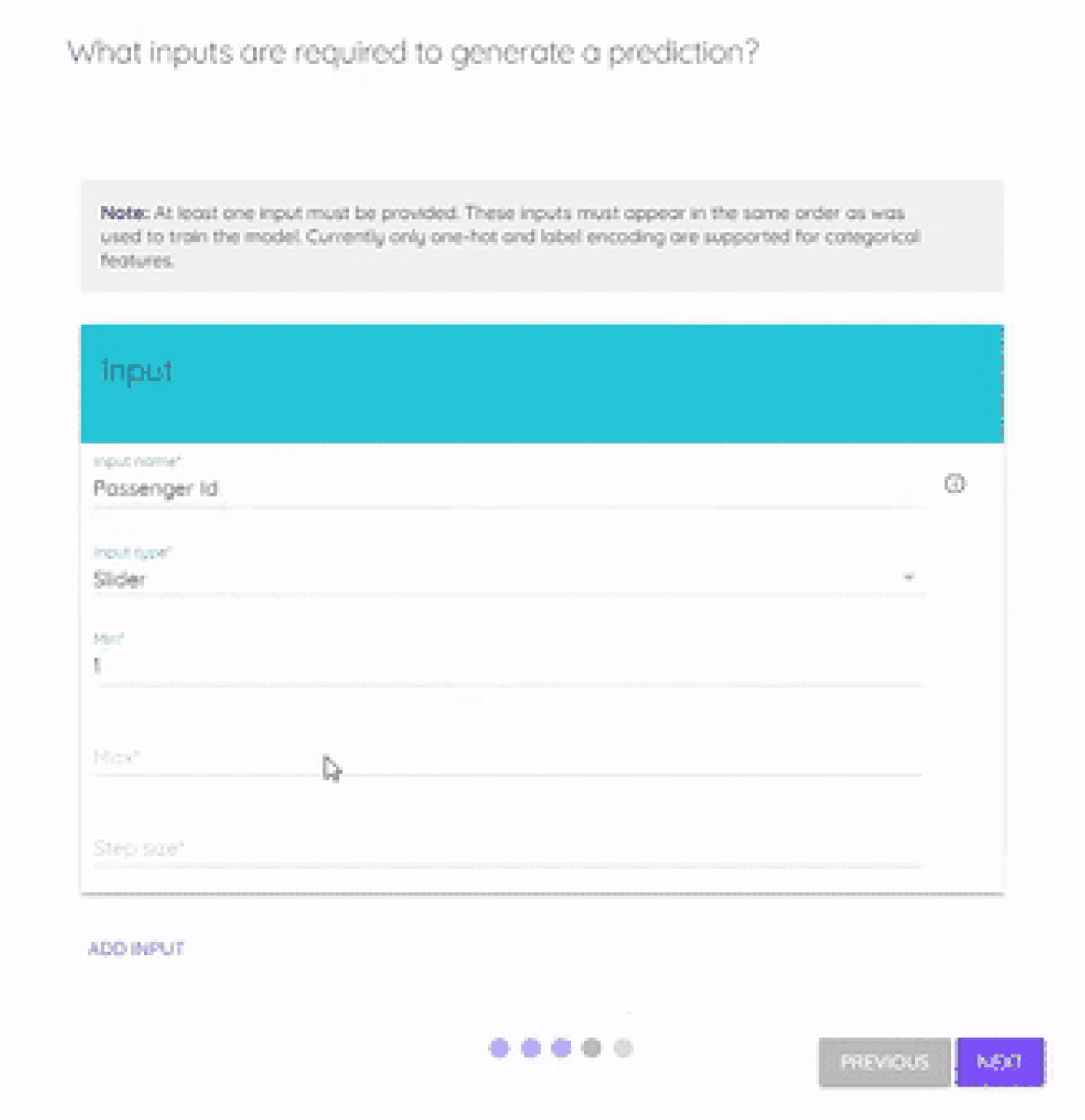
Users felt uncertain
To create the app, users had to fill out a long form without knowing what the final result will look like until the very end. As one user put it: "I'm not sure what to expect at the end of this and the process just feels taxing."

I had a hunch...
the end result is a visual product,
why wait until the end to show user’s their creation?
Let’s bring the app into the forefront of the creation process rather than leaving it a surprise at the end.
Design Hypothesis
Users want to create in real time
One of the main issues that we identified is that users are going into the app creation process blind. They had no idea what the app will look like until they get to the end of the process.
Since these apps are supposed to be a visual representation of their machine learning models, it is important for users to be able to see exactly what they are doing while creating these apps.
From here we came up with two ideas that we A/B tested.
Variation #1
Form Builder
Keeping the linear form builder with the app displayed and updated as the form gets filled out.
My Workplace
Explore
Tutorials
Settings
Help
mia
Welcome back Bevan!
My Apps
My Models
App name
App Workspace
Description text
Dog or Cat?
Upload an image of a dog or a cat.
Dog or Cat?
Upload an image of a dog or a cat.
+ Add an element
Variation #2 - Users preferred this approach.
App Builder
Drag and drop style with a side panel for users to make edits.
mia
Hello Bevan!
Name of App
App Description
Number
Dropdown
Text Box
Multiple Choice
Image
Upload Image*
Add an element
Elements
Draft Saved in My Apps
Final Design
After A/B testing, we went with the App Builder
Across 8 sessions, we measured time on task, completion rate, error rate, and directly asked each user which experience they preferred. While the form builder was more straightforward, users gravitated toward the fluidity of the App Builder. We also even noticed some users in the form builder did try to edit fields directly on the app preview, which mimics the functionality of the App Builder.

Redesigning MyCareer
Next Case Study: